
01
Review
See what actually happened
Import a demo and open it in the 2D replay viewer: round-by-round playback, utility overlays, duels, and per-side heatmaps of your positions and most-used paths.
See the viewer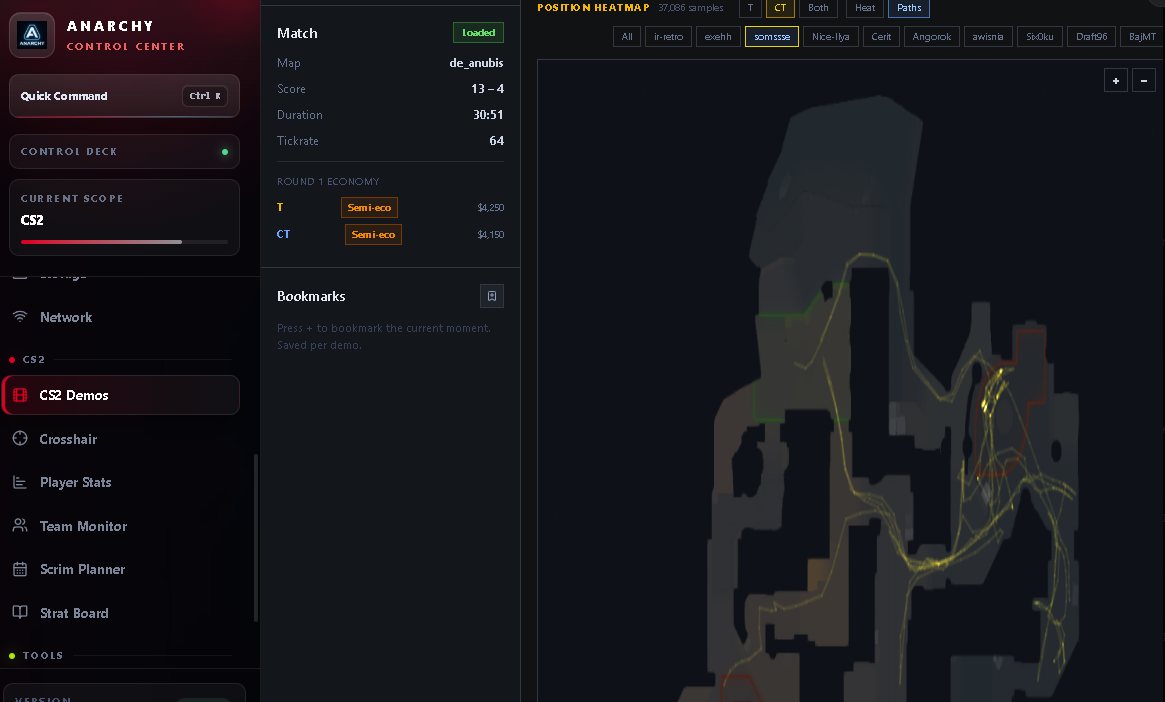
Competitive CS2 · Windows
ACC turns the demos you already have into repeated team patterns, the exact source round behind each one, and a Playbook fix you can actually train.
One plan, all current features included. No free tier, no paid add-ons. Renews automatically every 3 months unless cancelled — see what is included.
Every read has a round behind it. A pattern is only useful if you can open the round it came from and check the claim yourself.
No injection. Never reads or writes game memory, never modifies game files.
No screen capture. ACC does not record your screen.
No tracking. Local-first; online features send only what they need.
How a review actually goes
Three stages, in the order you would work through them after a match. Nothing here needs a second tool open beside it.
01
Import a demo and open it in the 2D replay viewer: round-by-round playback, utility overlays, duels, and per-side heatmaps of your positions and most-used paths.
See the viewer
02
Point the Team Pattern Finder at a stack's demos and it reports what they keep doing — recurring CT setups, opening routes, T executes — with the round and tick behind every read, so you can open it in the viewer and check it.
How the evidence worksEvery screenshot on this page is a real application capture. There is no current Pattern Finder one, and showing a different screen here would misrepresent it — so the space stays empty until a genuine capture exists.
03
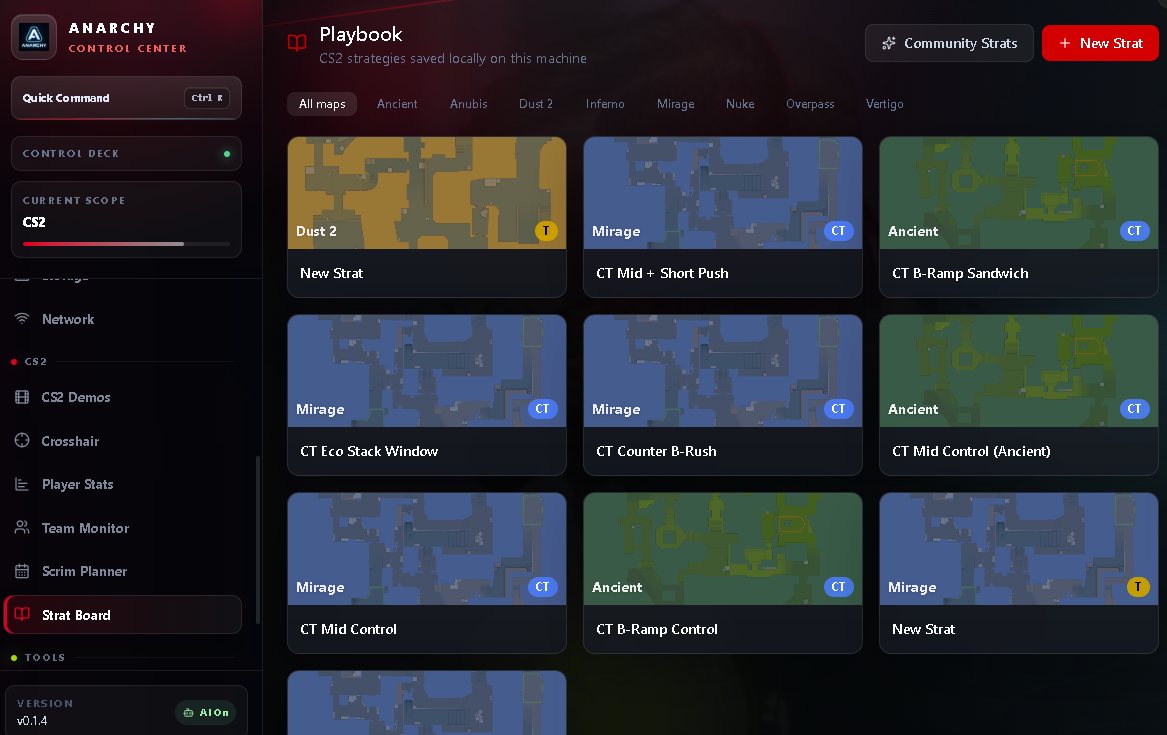
Save the fix to the Playbook, where entries are kept per map on your own machine. Queue it in the Practice Queue — a review list of the rounds and fixes you chose to work on, not a simulator. Then get match day itself in order: crosshair manager, scrim planner, team ping monitoring and Windows readiness.
Opponent preparation
Match Brief collects what ACC already knows about the players you are about to face, from demos that have actually been analysed on your machine.
The screenshots on this page are genuine application captures. No current Match Brief capture exists yet, and a mock-up would not be honest evidence — so this space stays empty until a real one is taken.
Positional evidence comes from same-map demos already analysed on your PC. ACC does not download an opponent's demos for you, so a brief is only as complete as the demos you have.
It depends on FACEIT making match data available, so timing varies and a brief can arrive late, or not at all, for a given queue. It needs at least three linked teammates on the same FACEIT team before it will build one.
See it in action
Taken from the running application. Some predate the newest Team Pattern Finder, Playbook and Match Brief work.
2D demo replay, heatmaps, route replay and Scout, recorded from the application.
Nothing plays until you press play.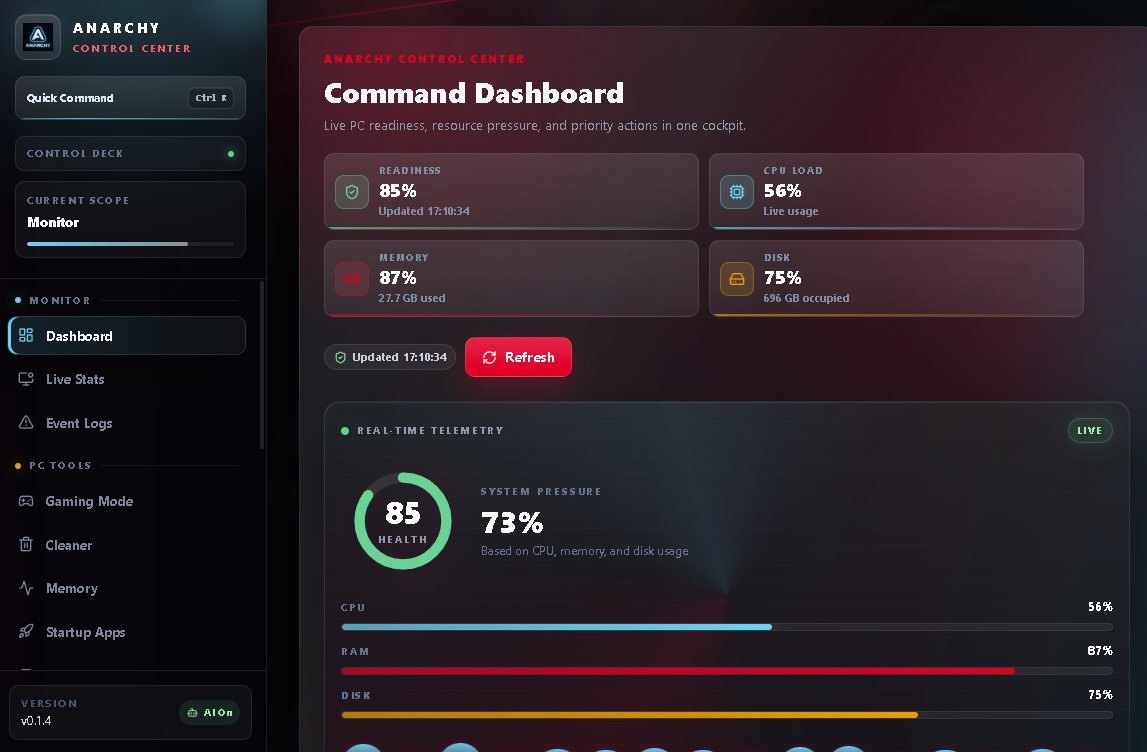
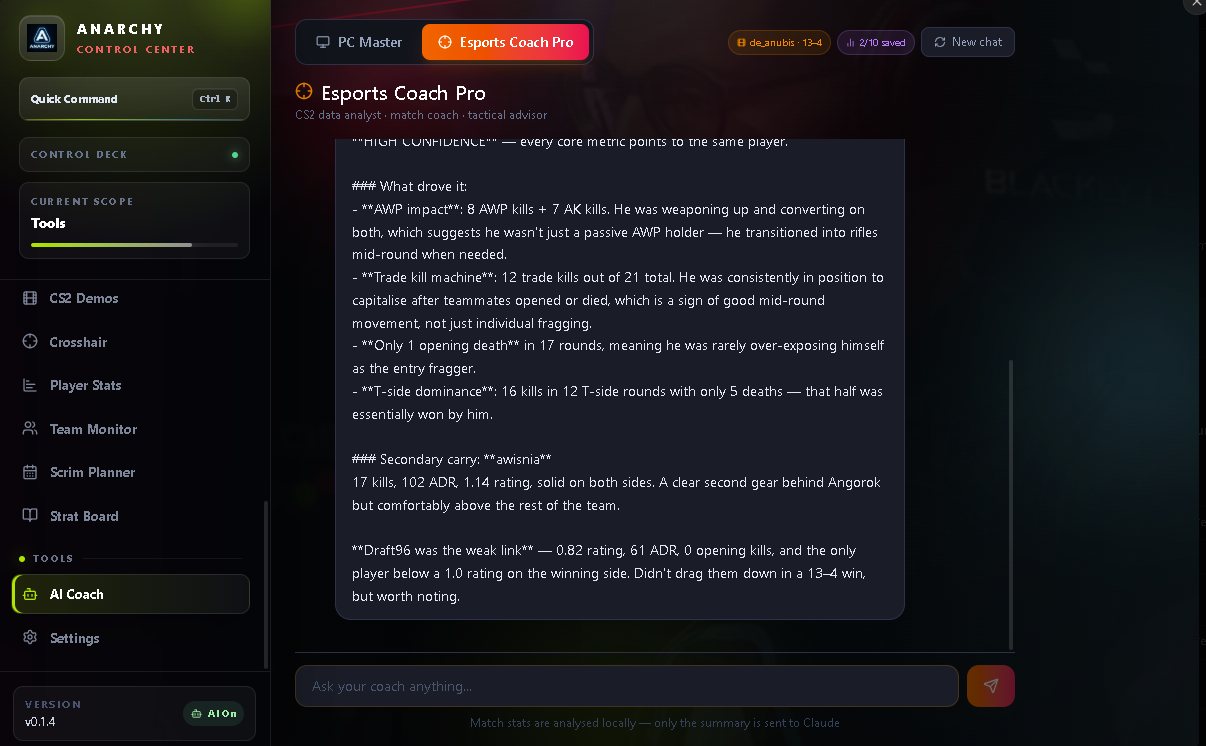
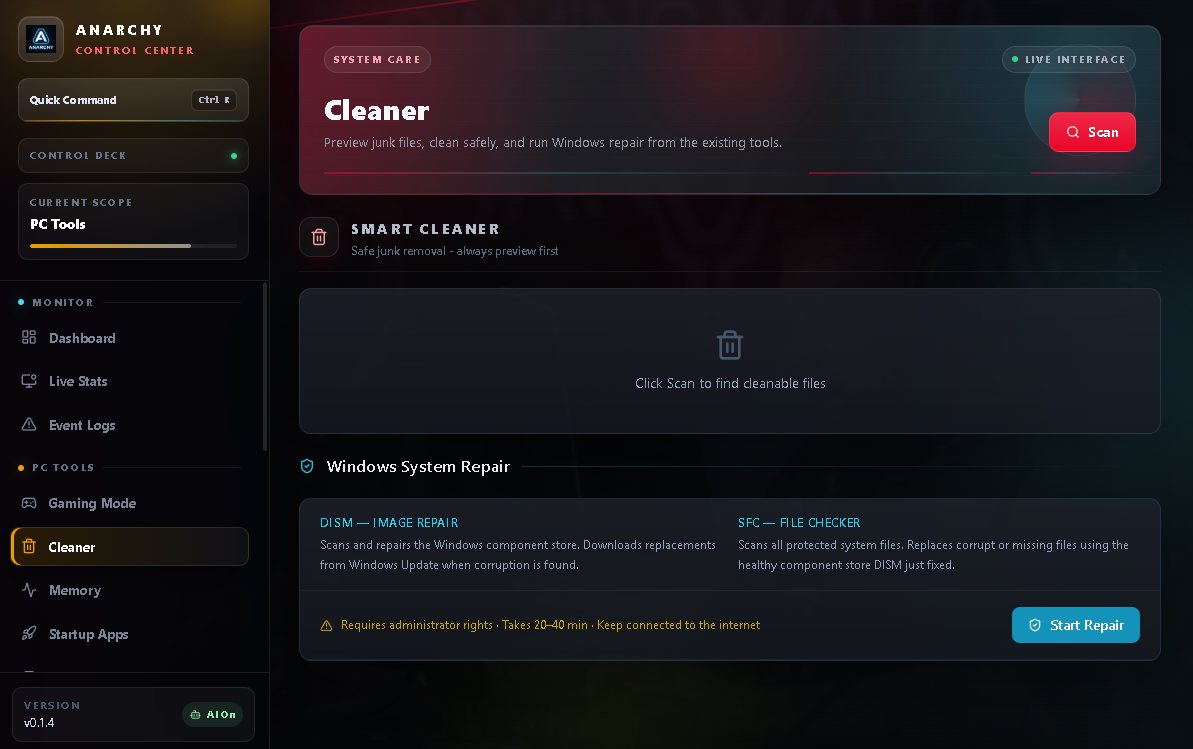
Fair pricing
There is no free tier and there are no paid add-ons. All current features are included while your subscription is active.
€15.99
every 3 months · early access
Get ACC Core — €15.99 / 3 monthsRenews automatically every 3 months unless cancelled. Cancel anytime from the customer portal link in your purchase email. Payments, invoices and VAT are handled by Lemon Squeezy as merchant of record.
Already bought Core as a one-time purchase? Your licence keeps working. You are not moved onto a subscription and you do not need to buy again.
Included with Core for early users — not sold separately.
Installing on Windows
Windows 10 or 11. Steam and Counter-Strike 2 for the demo and replay features. That is the whole list.
01
The download link arrives in your purchase email.
02
Windows shows a blue “Windows protected your PC” screen. ACC is new and is not yet recognised by Windows SmartScreen as a known publisher, so this warning is expected rather than a sign of a problem. Choose More info, then Run anyway, and the install continues normally.
03
Open the app, go to Settings → License, paste the key from your email and press Activate. Every feature unlocks immediately.
Built to be trusted
The parts of this that matter are the parts you can verify: what the app touches, what it sends, and what happens to your licence.
The app never injects into the game, never reads or writes game memory, and never modifies game files. It analyses CS2 demo files already on your disk and uses only official and external interfaces, such as the game console for launching a demo. ACC does not capture your screen.
No analytics, no tracking, no gameplay spying. Local-first by default; online features send only what they need to work — licence activation, FACEIT lookups and team rooms. Licence activation uses a pseudonymous one-way device fingerprint, so a licence can be associated with an installation without transmitting the underlying raw hardware identifiers. Team features use nicknames only.
ACC Core is a subscription at €15.99 every 3 months, activated on one PC at a time, with self-service transfer when you change rig. It renews automatically unless cancelled, and cancelling leaves you access until the end of the period you already paid for.
Now Early access: Core with licensing, the demo suite, heatmaps, scouting, scrims and team rooms.
Next Hosted AI Coach: match review without bringing your own API key. Explored, not promised.
Before you buy
Yes, by design. ACC never injects into the game, never reads or writes game memory, and never touches game files. It analyses CS2 demo files already on your disk and uses only official and external interfaces, such as the game console for launching a demo. It does not record or capture your screen.
ACC Core is €15.99 billed every 3 months. It renews automatically unless you cancel, and you can cancel anytime from the customer portal link in your purchase email. There is no free tier and there are no paid add-ons — one plan includes everything ACC does today.
Your licence keeps working. You are not moved onto a subscription and you do not need to buy again.
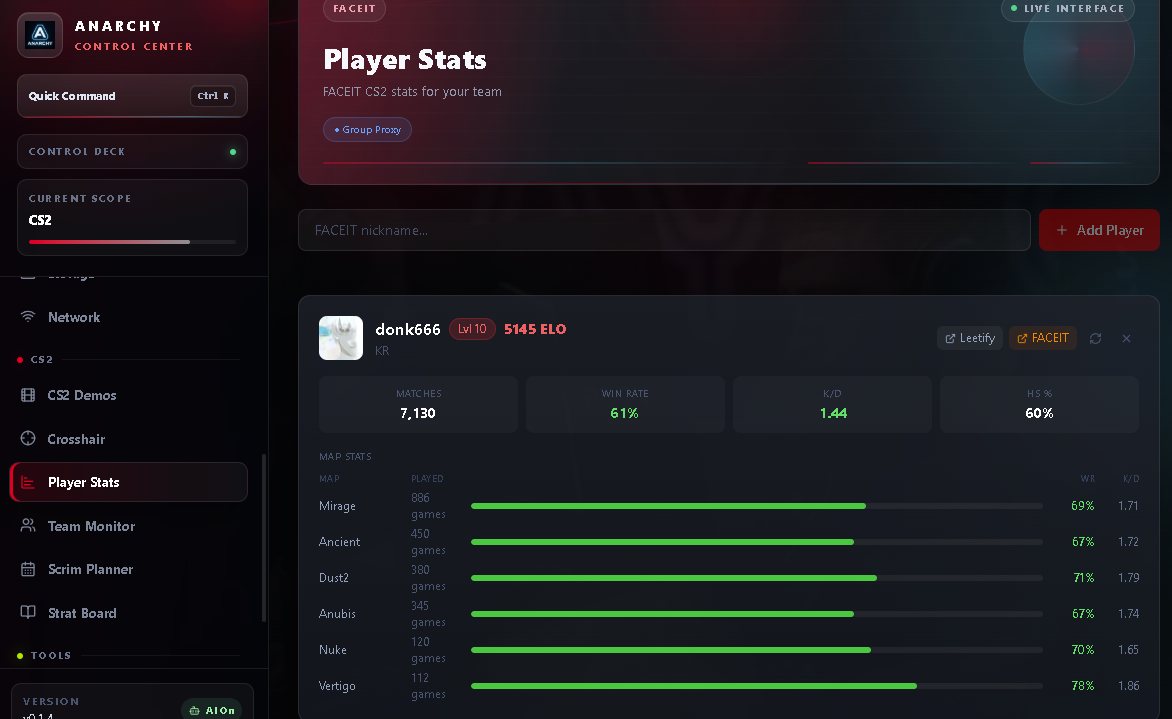
Demo review, the 2D replay viewer with per-side heatmaps, map replay and round exports, Team Pattern Finder, Scout, Playbook, Practice Queue, the Match Brief beta, FACEIT player stats, team monitor and scrim planner, the crosshair manager, match-day PC tools, and the AI Coach with your own API key. Founder extras are included too.
Because the application is new and Windows SmartScreen does not yet recognise the publisher. Choose More info, then Run anyway. This is a reputation warning, not a detection.
Yes. Core activates on one PC at a time, and you can deactivate it yourself in Settings → License to move it to a new rig.
You keep access until the end of the period you have already paid for. After that the licence stops validating and the paid features lock. Anything ACC saved on your PC — demos, playbook, notes — stays on your disk.
No, and we will not pretend otherwise. Match Brief is a beta. It depends on FACEIT making match data available, so timing varies and a brief can arrive late or not at all for a given queue. It needs at least three linked teammates on the same FACEIT team before it will build one, and its positional evidence comes from same-map demos already analysed on your PC.
Yes — Settings → Data Management exports a ZIP of ACC's local database: saved Playbook strategies, demo history and app settings. It is a database backup, not a full profile backup: downloaded demo files, browser-stored notes and Practice Queue items, and cloud team data are not included. API keys and licence secrets are deliberately excluded from the archive.
Windows 10 or 11. Steam and Counter-Strike 2 for the demo and replay features. That's it.
Renews automatically unless cancelled · cancel anytime from the customer portal.
Mail support@anarchymt.com — bug reports genuinely help while it is early.